Your TV, fully loaded.
120,000+ movies, 50,000+ TV shows and 35,000+ live channels from 180 countries — built for the big screen. Android TV, Fire TV Stick, Apple TV, Samsung TV and LG TV.
Everything, everywhere
120,000+ Movies
A massive, constantly updated library spanning every genre and era.
50,000+ TV Shows
Full box sets, new episodes and international series alike.
35,000+ Live Channels
News, sports and entertainment, streaming live around the clock.
180 Countries
International movies and series alongside domestic content, all in one place.
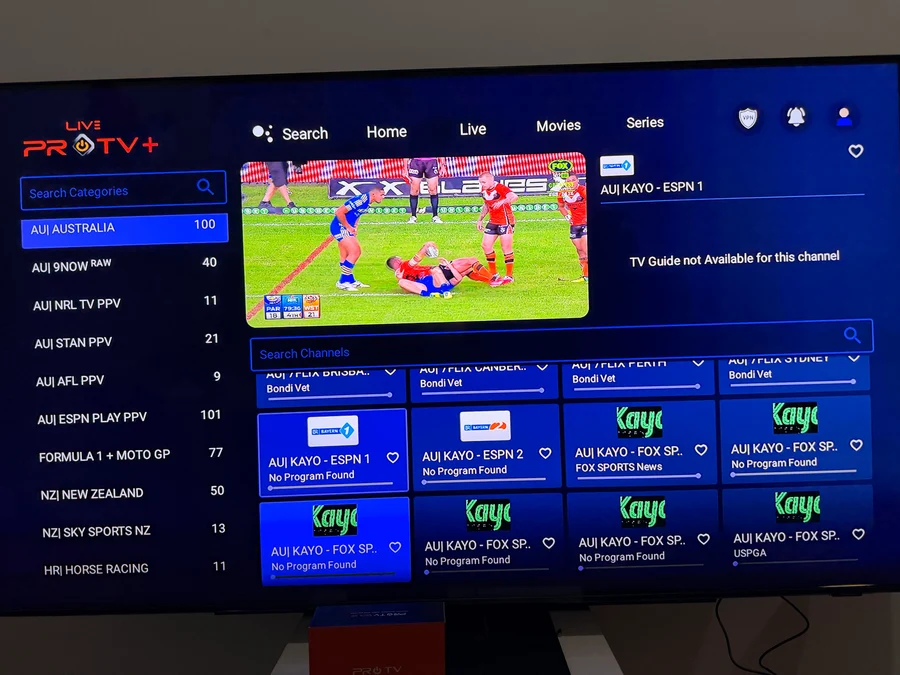
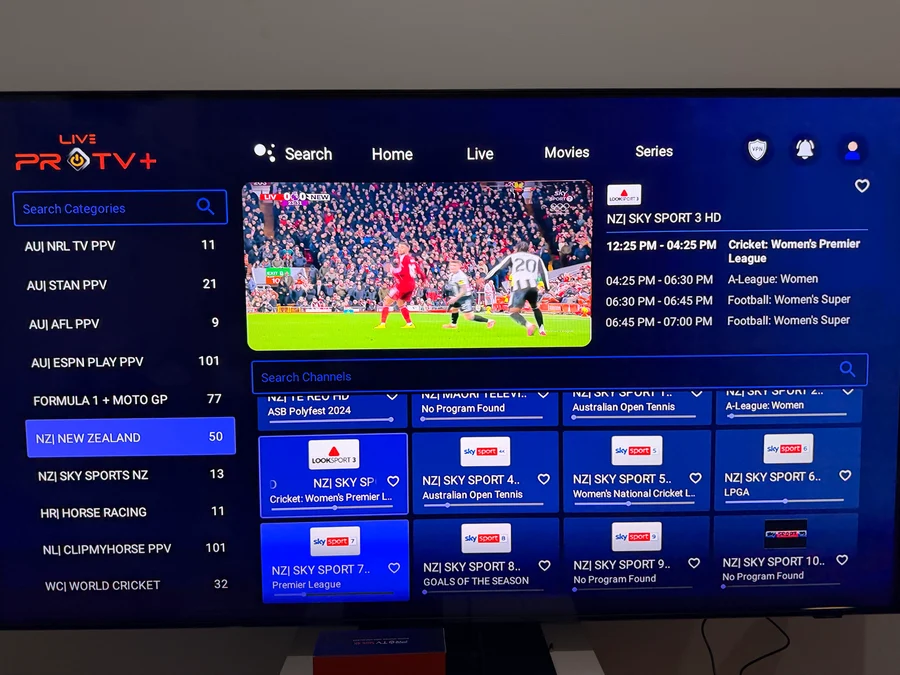
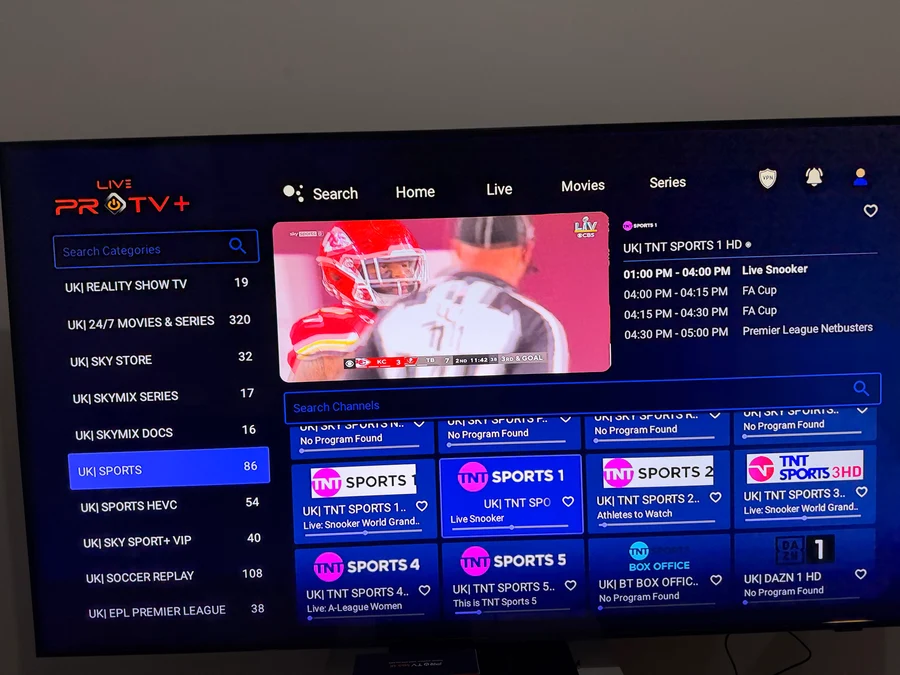
See it in action
Live sports, international channels and a full on-demand library.
Get ProTV Live
Pick your device below for the right install method.
ProTV Live for Android TV & Fire TV Stick
- Version
- —
- File size
- —
- Requires
- Android 5.0+
Pick your device for install steps:
- Install Downloader Search your device's app store for "Downloader" (by AFTVnews) and install it — it's free.
-
Open Downloader and enter the code
Select the URL field and type
4065705, then select Go. - Download and install Downloader fetches the APK automatically. Select Install when prompted, then Open.
- Subscribe to activate New to ProTV Live? Visit protvaustralia.com to subscribe and get your login details.
- Install IPTV Smarters On your Apple TV, open the App Store and install IPTV Smarters — it's free to install.
- Subscribe to ProTV Live Visit protvaustralia.com to subscribe and receive your playback login details.
- Sign in inside the player app Open IPTV Smarters, choose "Login with Xtream Codes API" (or M3U URL), and enter the details from your subscription.
- Install IPTV Smarters On your Samsung TV, open the Smart Hub / Samsung Apps store and install IPTV Smarters — it's free to install.
- Subscribe to ProTV Live Visit protvaustralia.com to subscribe and receive your playback login details.
- Sign in inside the player app Open the app, choose "Login with Xtream Codes API" (or M3U URL), and enter the details from your subscription.
- Install IPTV Smarters On your LG TV, open the LG Content Store and install IPTV Smarters — it's free to install.
- Subscribe to ProTV Live Visit protvaustralia.com to subscribe and receive your playback login details.
- Sign in inside the player app Open the app, choose "Login with Xtream Codes API" (or M3U URL), and enter the details from your subscription.
Questions
Is ProTV Live the same as the ProTV app?
No — ProTV Live is a separate app from the same team, focused on live TV, movies and shows delivered as an IPTV service across Android TV, Fire TV Stick, Apple TV, Samsung TV and LG TV.
Do I need to subscribe before I can watch anything?
Yes. Downloading and installing the app (or an IPTV player) is free, but you'll need an active subscription from protvaustralia.com to get your login details and start streaming.
Why isn't there a native app for Apple TV, Samsung or LG?
Those platforms don't allow sideloading the way Android does. Instead, ProTV Live works through established third-party IPTV players (like IPTV Smarters) already available on those app stores — you just sign in with the login details from your subscription.
Can I use ProTV Live on my phone?
This site is focused on TV platforms, but the same IPTV Smarters approach works on iPhone and Android phones too — install IPTV Smarters from your phone's app store and sign in with your subscription details.